Introduction
Vibecoding tools generate the underlying logic for cross-platform apps by using a “single business intent description” to drive a unified UI semantic model. This model is then processed through code generation pipelines tailored for different platforms, producing source code for Web (Vue/React), iOS (Swift + SwiftUI), and Android (Kotlin + Jetpack Compose). This article dissects the five-layer functional architecture that Vibecoding tools must possess, compares six representative products—UXbot, Bolt, v0, Lovable, Replit Agent, and Tempo—on their cross-platform generation capabilities, and provides a practical evaluation checklist.
Why “One Description, Three Platforms” is Essential
According to a Harvard Gazette interview in April 2026, Karen Brennan, a professor at Harvard Graduate School of Education, observed that the essence of Vibecoding is to “describe what you want in natural language, and let an AI implement it as runnable software.” This practice was named by computer researcher Andrej Karpathy in February 2025 and quickly spread across various fields including product development, education, and entrepreneurship. It enables students with no coding experience to deliver complete web applications in just six weeks.
However, products rarely exist solely on the web. Grand View Research indicates that the global mobile application market size has grown from $252.89 billion in 2023 to an expected $626.39 billion by 2030, with a compound annual growth rate of 14.3%. The Asia-Pacific region accounts for 32% of global revenue, while the Apple Store alone captures 62.8%. This means that any product with ambitions for user scale must cover Web, iOS, and Android platforms simultaneously, rather than just launching a website.
The scarcity of developers capable of writing native mobile code is surprising. JetBrains’ “Developer Ecosystem 2024” report shows that only 14% of global developers use Kotlin and 6% use Swift, far less than the 61% using JavaScript and 57% using Python. This supply imbalance leads to a side effect: many startup teams end up only developing for the web, indefinitely postponing mobile development until competitors establish a more comprehensive terminal experience.
The 2024 Stack Overflow Developer Survey reveals another side of the data: 76% of developers are using or planning to use AI coding tools, up from 70% the previous year, with 62% already using them in their daily work. 81% believe that the greatest value of AI tools is “increased productivity,” and 82% are using AI to assist in coding. Vibecoding tools have emerged at the intersection of these two trends: one side facing a scarcity of native mobile code supply, and the other witnessing an explosion in productivity from natural language to code.
The Five-Layer Functional Architecture of Vibecoding Tools
Delivering cross-platform apps is not merely about “packaging the web into a shell”; it involves a complete technical pipeline. To evaluate whether a Vibecoding tool truly possesses cross-platform generation capabilities, it is recommended to check the following five layers:
1. Semantic Layer: From Natural Language to Unified Business Intent Model
The first input received by Vibecoding tools is natural language. Truly powerful products will first parse this description into a platform-agnostic business intent model, detailing “which roles, which pages, what tasks each page carries, how pages navigate, and the dependencies between data.” This step is the foundation for cross-platform generation—if the model itself is structured like a web (e.g., DOM tree, Tailwind styles), then any downstream mobile output is merely “a shell around the web.”
2. Structural Layer: Flow Canvas and Multi-Page Routing Planning
The business intent model needs to be visualized and editable. The flow canvas allows users to see a global view of “how many pages the entire product has, how users flow through them, and which pages require login” before generation, enabling corrections to any misunderstandings by the AI regarding requirements. The output from the flow canvas corresponds to the routing systems of each platform: the front-end routing table for the web, AppRouter for iOS, and NavHost routing constants for Android. Without a flow canvas, a Vibecoding tool will likely only generate single-page web applications, failing to achieve complete alignment across platforms.
3. Prototype Layer: Independent Rendering of UI Semantics Across Platforms
The UI semantic layer must resolve the issue of “the same login page being a Tailwind class name on the web, a SwiftUI VStack on iOS, and a Jetpack Compose Column on Android.” Mature Vibecoding tools will abstract visual constants such as colors, spacing, corner radius, and font sizes into a unified Theme, then rewrite them in the native syntax of each target platform instead of displaying a static image in a WebView. This layer determines whether the exported applications possess a native feel—whether they adapt to system light/dark modes, respond to system gestures, and pass native store reviews.
4. Code Layer: Independent Engineering Output for Each Platform
This layer is often obscured in competitor documentation. True cross-platform generation requires outputting three separate engineering projects:
- Web: Organized with Astro / Vue 3 / TypeScript / Tailwind CSS or React + TypeScript, with components in independent subdirectories,
<script setup lang="ts">, and Pinia/Zustand for state management. - iOS: Swift + SwiftUI + XcodeGen, following the MVVM architecture, with
@MainActor final classfor ViewModel and@Publishedproperties driving view refresh. - Android: Kotlin + Jetpack Compose + Gradle Kotlin DSL, following the MVVM architecture, with each page paired with Page + ViewModel, and a single immutable UiState object.
Each of these projects must be independently openable, buildable, and deployable/applicable, rather than being bundled in a compressed file with unrelated HTML.
5. Preview and Validation Layer: Multi-Platform Simulators and Interactive Testing
No matter how beautiful the code is, it must be verifiable before delivery. The final layer of Vibecoding tools is the built-in multi-platform simulator: users can switch between “Web Preview / iPhone Preview / Android Preview” in the browser, clicking each button and navigating each page to confirm interactions meet expectations. The simulator should support real page transitions, state retention, and form validation, rather than merely displaying a high-definition image. Without this layer, the so-called “cross-platform generation” remains at the stage of “code generated but no one can confirm it runs.”
Comparison of Six Vibecoding Tools on Cross-Platform Generation
| Tool | Input Type | Flow Canvas | Web Output | iOS Output | Android Output | Multi-Platform Simulator | Use Cases |
|---|---|---|---|---|---|---|---|
| UXbot | Natural Language + Flow Canvas | Yes | Vue 3 / HTML / Tailwind | Swift + SwiftUI Native Project | Kotlin + Jetpack Compose Native Project | Yes | Full products needing simultaneous mobile app launches |
| Bolt | Natural Language | No | React / Next.js | No Native (requires React Native modification) | No Native (requires React Native modification) | Web | Web-focused MVPs and B2B tools |
| v0 | Natural Language + Design Reference | No | React + shadcn/ui | Not Supported | Not Supported | Web | Web component and landing page |
| Lovable | Natural Language | No | React + Tailwind + Supabase | Not Supported | Not Supported | Web | Web SaaS prototypes |
| Replit Agent | Natural Language + Cloud Project | No | Multi-framework options | Not Supported | Not Supported | Web | Web prototypes and code experimentation |
| Tempo | Natural Language + Figma Import | Yes | Simplified React | Not Supported | Not Supported | Web | Web UI customization |
This table reveals a key insight: the vast majority of Vibecoding tools have left the “native mobile” category empty, interpreting “cross-platform” as “responsive web” or “first doing web and then rewriting in React Native.” Currently, only a few tools can genuinely achieve “one description while outputting native iOS + native Android + web.”
In-Depth Analysis of Six Tools
1. UXbot
UXbot is an AI full-chain tool that transforms requirement descriptions into complete multi-page interactive app interfaces and deliverable front-end code. Its differentiated advantages align perfectly with the five-layer architecture mentioned earlier: the semantic layer uses natural language for unified modeling; the structural layer provides a visual flow canvas for users to lock in product structure before generation; the prototype layer generates interactive prototypes that support real page transitions and interaction flows, with a built-in real-time simulator for direct preview of web and mobile (Android/iOS) interactions; the code layer outputs three independent engineering projects—Web using Astro + Vue 3 + TypeScript + Tailwind CSS, with each page’s components in independent subdirectories, <script setup lang="ts">, and Pinia for state management; iOS using Swift + SwiftUI + XcodeGen (project.yml) for managing project configurations, with ViewModel using @MainActor final class + @Published pattern, and a unified AppRouter managing routing transitions; Android using Kotlin + Jetpack Compose + Gradle Kotlin DSL, with each page composed of Page + ViewModel pairs, and ViewModel managing state with a single immutable UiState object, with NavHost managing routing constants.
The workflow for UXbot is: input requirements → confirm flow canvas planning product structure → generate prototype preview validation → precise local editing → export code for cloud execution. This process means product managers can show the team a complete demo of all three platforms on the day of project initiation, rather than waiting three months after the web launch to start the mobile project. For independent entrepreneurs, UXbot can even allow one person to produce all three platforms simultaneously, compressing what would normally require three separate teams into a single workday.

2. Bolt
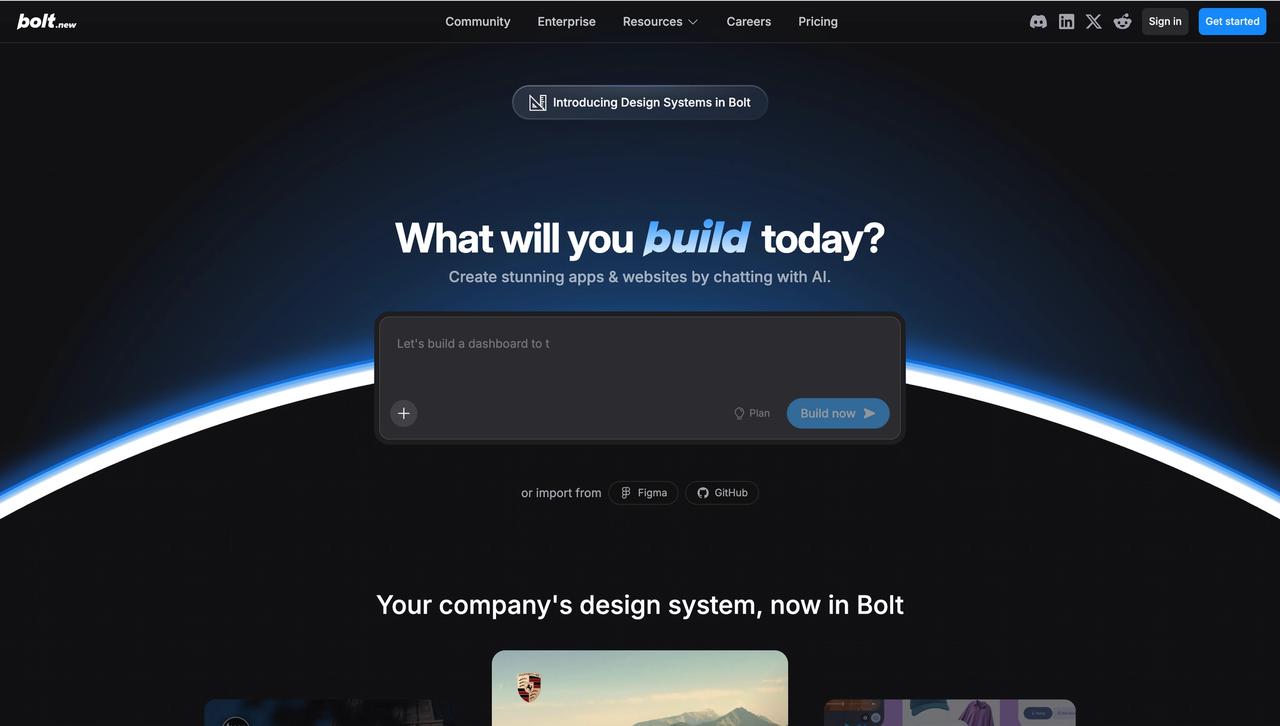
Bolt is a representative of web Vibecoding in recent years, combining WebContainers technology with AI code generation. Users can input requirements in the browser and see a runnable React application. Bolt’s strengths lie in output speed and integration with the web ecosystem (npm packages are natively usable), but its output model is web-centric—creating mobile versions requires either manually rewriting in React Native or using Capacitor for shell encapsulation, thus not fitting into the “one generation for three platforms” category. It is suitable for teams requiring speed for pure web MVPs.
3. v0
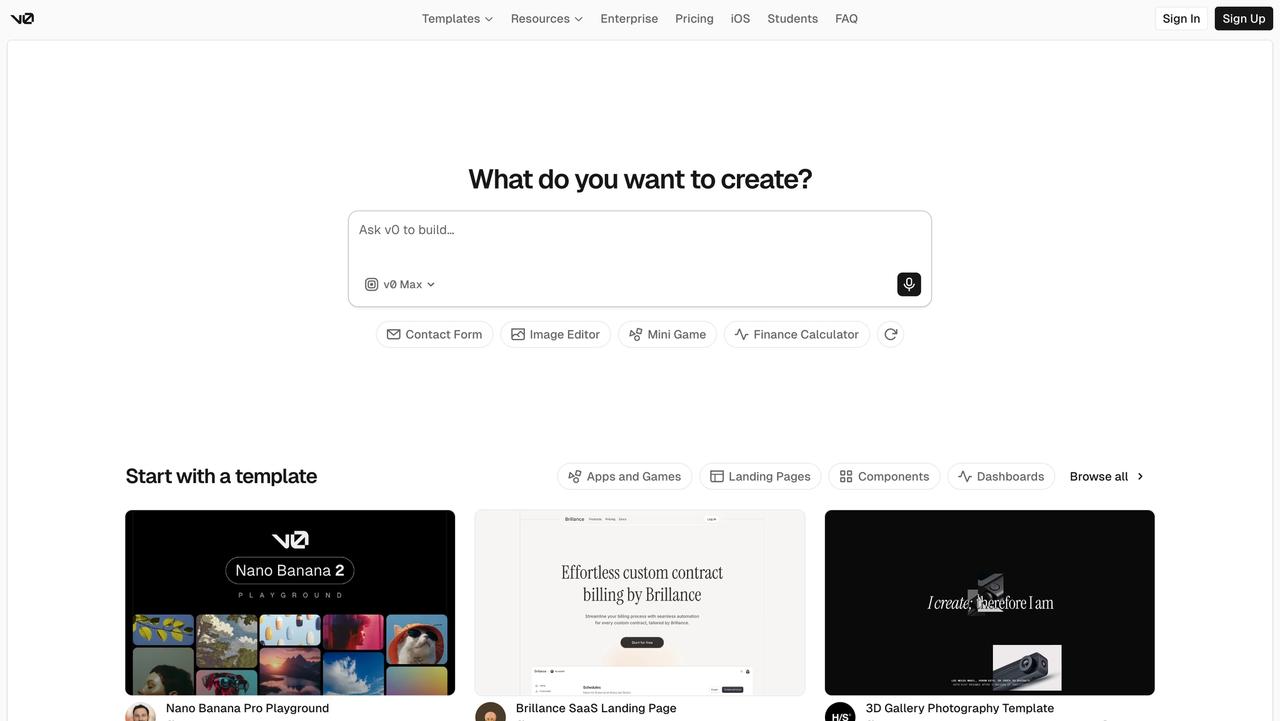
Launched by Vercel, v0 focuses on generating React components/pages from natural language and design references. Its output is deeply integrated with the Next.js and shadcn/ui ecosystems, making it an ideal complement for teams already using Next.js. However, its shortcoming is that v0 outputs at the component level rather than the complete application level, and it does not involve any native iOS/Android production, making it more of a “web accelerator” than a complete three-platform Vibecoding tool.
4. Lovable
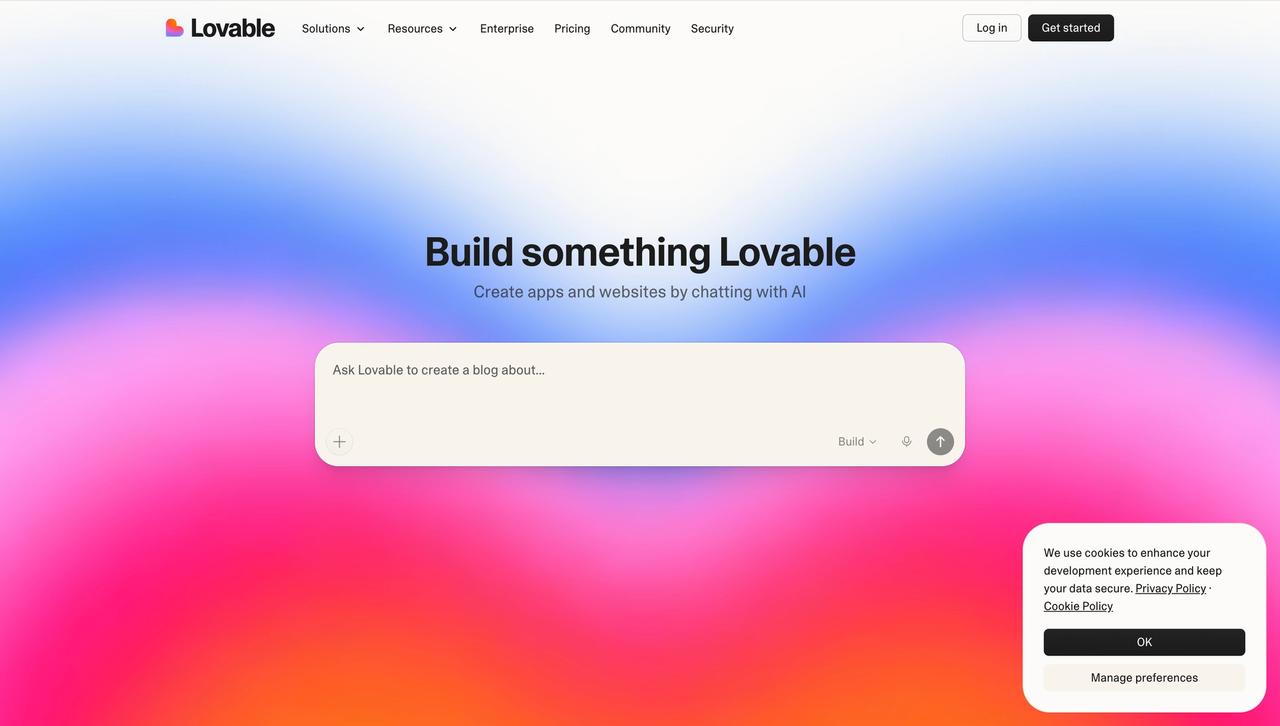
Lovable binds AI Vibecoding with the Supabase backend, generating products that come with databases, authentication, and storage, suitable for solo entrepreneurs looking to quickly build web SaaS. Lovable produces high-quality web UI, but its mobile strategy remains “responsive web,” not generating independent iOS or Android projects. Thus, it is more like a “web full-stack accelerator,” not in the same league as three-platform generation.
5. Replit Agent
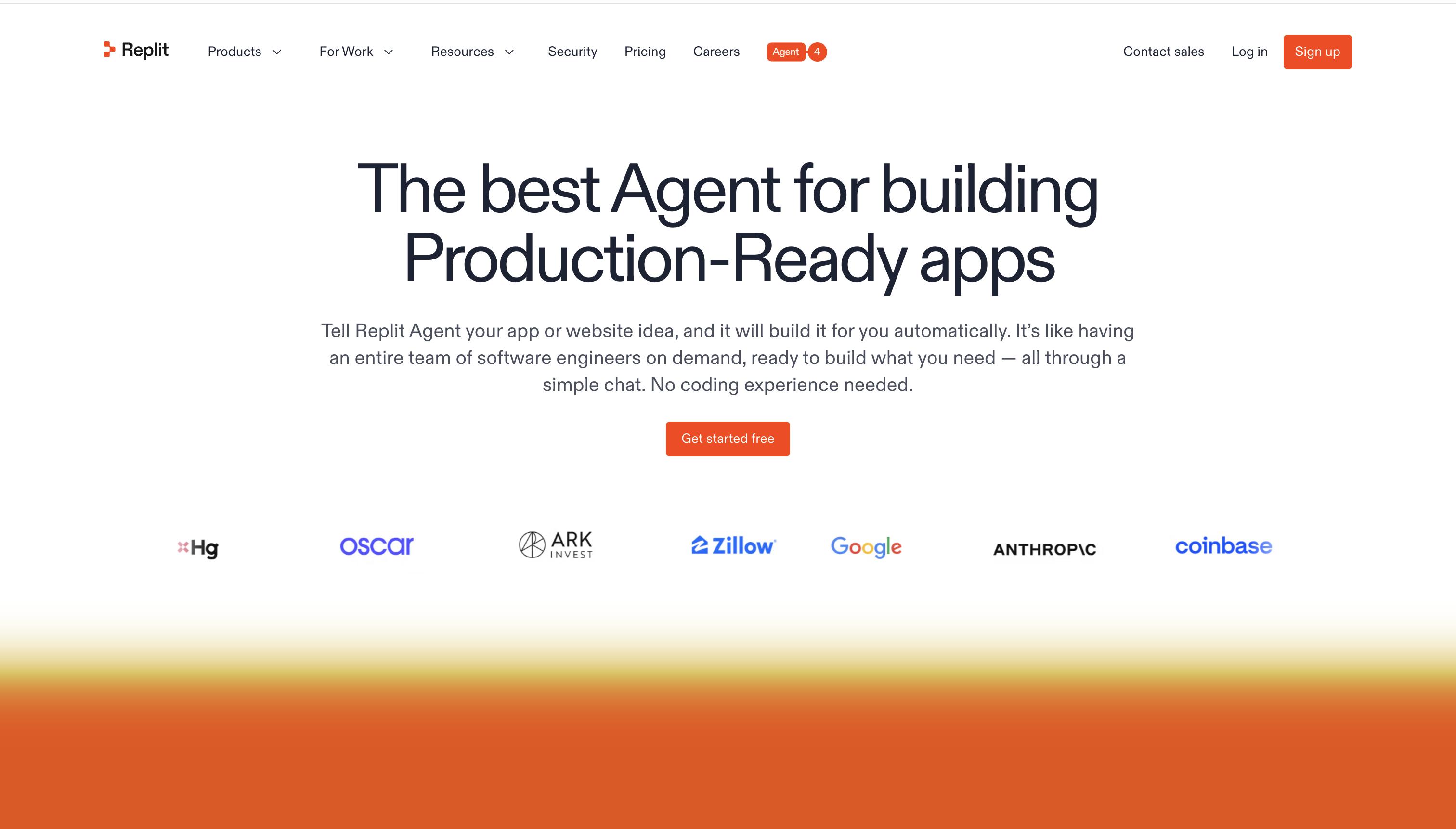
Replit Agent combines Replit’s cloud IDE with AI capabilities, allowing users to issue commands in natural language while the Agent autonomously creates files, installs dependencies, writes code, and deploys. For developers who enjoy a “chat while viewing code” workflow, this is a comfortable process, but its output still primarily focuses on web and general scripts, requiring manual setup of Swift/Kotlin projects for native mobile.
6. Tempo
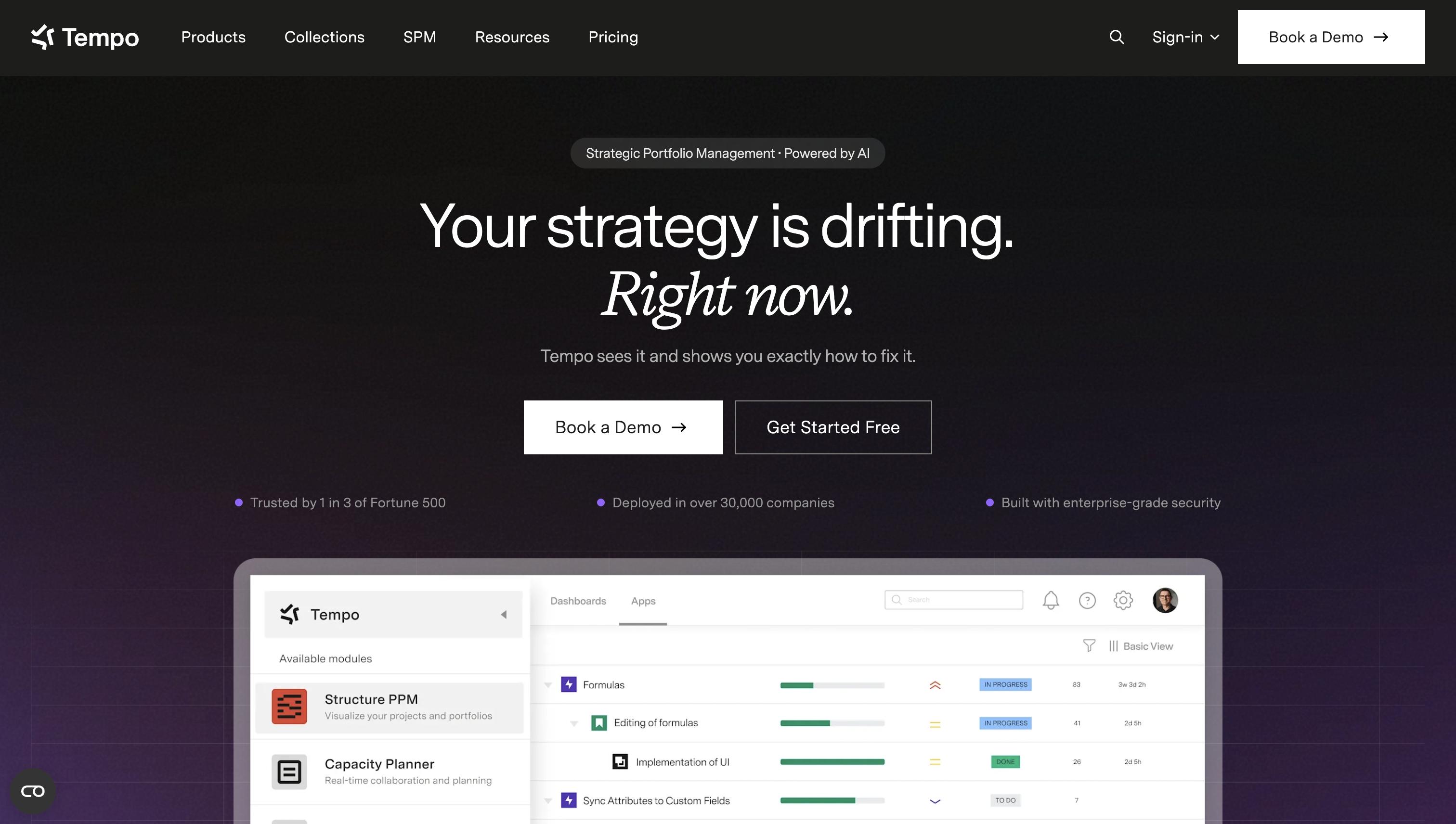
Tempo uses Figma design drafts as input, employing AI to translate designs into React components and allowing for continued iteration within the same workspace. Its value lies in automating the “Figma to React” transition for designers, suitable for medium-sized teams with established design specifications. Support for three-platform apps is currently limited to web; generating native iOS/Android projects requires connecting with other tools.
Eight-Point Checklist for Evaluating Vibecoding Tools’ Cross-Platform Generation Capability
During the selection phase, you can use the following eight questions to directly inquire with candidate tools’ representatives or validate during trials:
- Can you describe the entire product in natural language at once, rather than needing to specify each page individually?
- Can you view a “whole product flow canvas” before generation and modify it?
- After generation, do you provide independent simulators for Web/iOS/Android that allow for clickable navigation?
- Does the iOS output export as a SwiftUI native project (.xcodeproj / XcodeGen), or is it a WebView shell?
- Does the Android output export as a Jetpack Compose native project (Gradle Kotlin DSL), or is it HTML packaged?
- After exporting, are there three independent buildable projects, or can only the web run directly?
- When regenerating for the same requirement, do the UIs across platforms maintain consistent business semantics (e.g., no “web has, mobile does not” scenarios for the login page)?
- Is there a precise editor that allows users to directly modify specific UI elements when unsatisfied, rather than starting over?
A qualified cross-platform Vibecoding tool should be able to answer “yes” or “there is” to all eight questions.
Practical Usage Paths for Three Types of Teams
1. Independent Entrepreneurs: Simultaneous Launch Across Platforms
By planning the flow canvas for login/core tasks/checkout as three main lines, entrepreneurs can generate prototypes using natural language, validate complete interactions in the simulator, and finally export code for all three platforms to be deployed on Vercel/TestFlight/Google Play for internal testing, compressing the entire cycle to 3-5 days. The 81% of respondents in Stack Overflow data who believe productivity is the greatest benefit of AI tools largely represent this type of multi-role entrepreneur.
2. Product Managers: From PRD to Demo in One Meeting
Product managers can feed paragraphs from the PRD into Vibecoding tools in natural language, adjust navigation logic on the flow canvas, and directly present the generated demos of all three platforms in project kickoff meetings, allowing development and business teams to reach consensus on the same prototype. Compared to the previous sequential model of writing PRDs, then scheduling prototypes, and finally scheduling development, this represents a significant upgrade to parallelization.
3. Small to Medium Development Teams: Using Native Projects as Starting Points Rather Than End Goals
Teams can treat the SwiftUI/Jetpack Compose projects generated by Vibecoding tools as scaffolding, adding business logic, integrating their own backend, and including unit tests. Since the exported project structures follow the recommended MVVM + @MainActor pattern for SwiftUI and the Jetpack Compose + UiState pattern for Android, teams do not incur additional costs in “migrating to a real project.”
Frequently Asked Questions (FAQ)
Q1: Can the mobile code generated by Vibecoding tools pass App Store and Google Play reviews?
Whether it passes review depends on two factors: whether it uses native platform controls and lifecycles, and whether it complies with respective privacy declarations. Tools like UXbot that directly output SwiftUI/Jetpack Compose native projects meet the technical syntax requirements for review, with the remaining tasks being to supplement app privacy lists, permission descriptions, and other routine preparations, which are not fundamentally different from manually developed projects.
Q2: If I need to modify a page after generating code for all three platforms, where should I make the change?
The recommended approach is to “first modify the semantic layer in the Vibecoding tool and regenerate,” ensuring consistency across all three platforms; if only one platform needs a minor adjustment (e.g., an iOS-specific animation), it can be modified directly in the native project. If the exported project has a well-structured format (separate ViewModels, clear routing tables), subsequent changes will have the same cost as a standard project.
Q3: Can product managers without Swift/Kotlin experience directly publish the generated mobile apps?
They can achieve “preview and delivery review,” but publishing to the App Store/Google Play still requires a developer account, certificates, and upload processes. It is recommended that product managers pair with a front-end/mobile engineer, with the tool handling 90% of the coding work, while the engineer manages the 10% compliance processes related to accounts, certificates, packaging, and submission.
Q4: How does Vibecoding’s cross-platform generation differ from frameworks like React Native or Flutter?
Cross-platform frameworks still require teams to write code, just one set of cross-platform code. The value of Vibecoding tools lies in the full automation of the “business description → three-platform code” process, outputting native code for each platform rather than a cross-platform intermediary layer. The two are not in competition—using Vibecoding tools to get the prototypes and initial code running across all three platforms, then deciding whether to consolidate to React Native or Flutter for long-term maintenance is a common strategy.
Q5: Will generating all three platforms at once lead to poor code quality and future maintenance difficulties?
This is an architectural issue, not an inherent flaw of Vibecoding. Specific quality indicators include adherence to official recommended architectures for each platform (SwiftUI’s MVVM + @MainActor, Jetpack Compose’s UiState pattern), retention of complete TypeScript types, and centralized routing declarations. Choosing Vibecoding tools that excel in these areas will not result in higher long-term maintenance costs than hand-written code.
Conclusion
Generating web, iOS, and Android apps simultaneously is not about forcibly distributing a single web codebase across platforms; it is about using a unified business intent model to drive the generation of native code for three platforms. Truly qualified Vibecoding tools must excel in the five layers of the semantic layer, structural layer, prototype layer, code layer, and preview and validation layer. Currently, most Vibecoding products on the market leave gaps in the native mobile category. Product managers, independent entrepreneurs, and small to medium development teams should validate functionality against the five-layer architecture and the eight-point checklist, ensuring that tools capable of generating all three platforms simultaneously truly deserve the label “three-platform Vibecoding.”
Comments
Discussion is powered by Giscus (GitHub Discussions). Add
repo,repoID,category, andcategoryIDunder[params.comments.giscus]inhugo.tomlusing the values from the Giscus setup tool.