Claude: Four Distinct Products
Many people say, “I’m using Claude,” thinking it is just a chat tool. However, by April 2026, Claude has evolved into four completely different products, each solving different problems and catering to different audiences. Using the wrong one can lead to inefficiency or ineffectiveness.
This article clarifies the positioning, capabilities, and limitations of these four products to help you determine which one to use.

First: Claude Chat — The Starting Point
This is the Claude most people are familiar with. You visit claude.ai, input a question, and receive an answer.
Capabilities:
- Q&A conversations, writing refinement, brainstorming.
- Upload PDFs, images, and spreadsheets for analysis.
- Use the Projects feature to save common contexts and instructions, avoiding repetitive explanations.
Who it’s for: Anyone needing assistance with thinking through a problem or writing something. Authors, researchers, students, entrepreneurs—essentially anyone needing intellectual support can benefit.
Key limitations: Claude Chat cannot perform actions in other tools. It won’t send emails, organize files, or submit code. You ask it a question, it answers, and you must copy and paste the response elsewhere.
You act as the intermediary. This positioning is crucial because the other three products aim to address this limitation.
Cost: Free version available. Pro version costs $20/month, significantly increasing usage limits.
Second: Claude Code — Developer’s Productivity Engine
Claude Code equips Claude with “hands,” specifically for writing code.
Capabilities:
- Understands your entire codebase, directly edits files, and runs terminal commands.
- Manages Git workflows—commits, branches, creates PRs.
- Can initiate Agent teams, allowing multiple Claude instances to collaborate on complex tasks.
- Connects to GitHub, GitLab, Slack, etc., through the MCP connector.
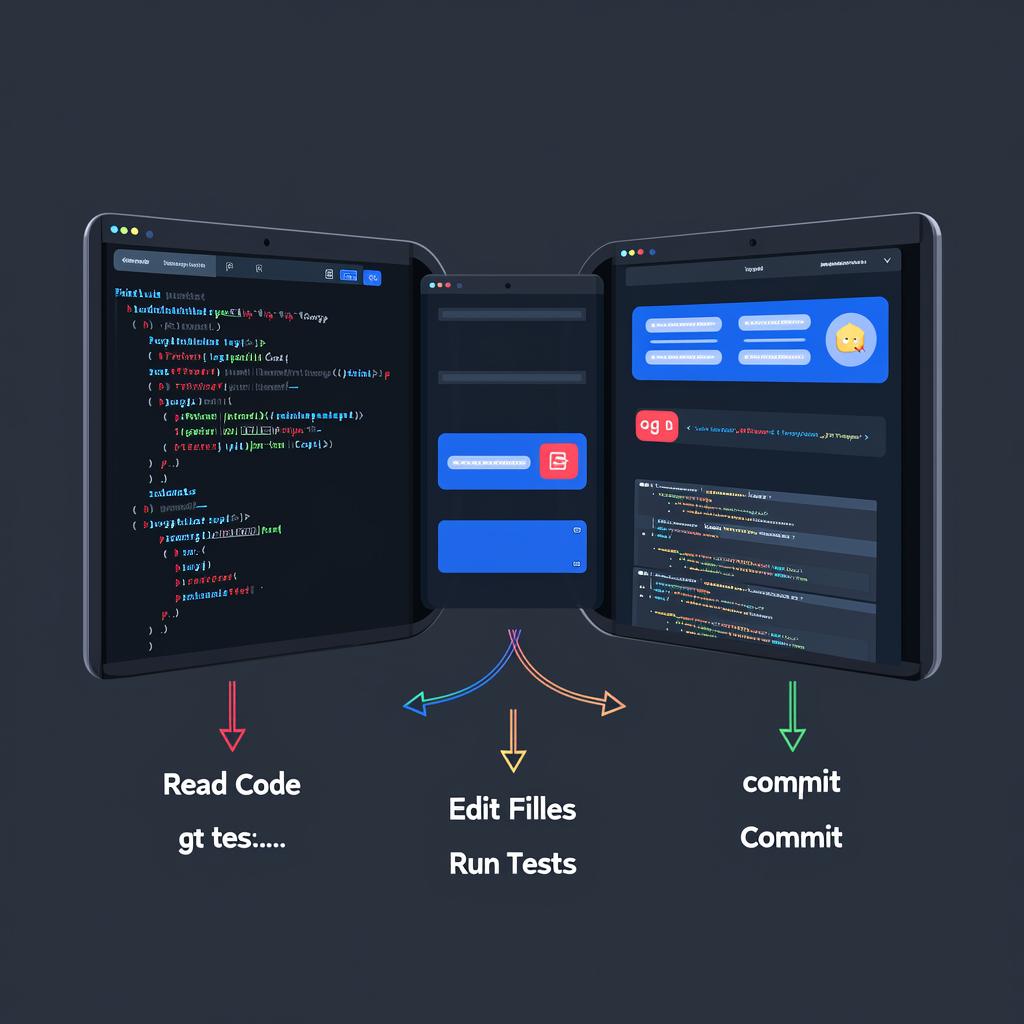
Who it’s for: Developers. If you don’t write code, Claude Code isn’t for you. But if you do, regardless of language or framework, this could be the biggest productivity boost available.
It doesn’t just suggest code; it writes code, runs tests, and submits code.
Key limitations: Designed solely for software development. It won’t help you organize Google Drive or send emails. If you’ve never opened a terminal, the learning curve is steep.
Cost: Same subscription model as Chat. Pro $20/month, Ultra $200/month.
Third: Claude Cowork — The Greatest Opportunity for Non-Developers
This product is one many have yet to try and is the most valuable for non-developers.
As of April 2026, Cowork has officially launched on macOS and Windows, no longer in beta. All paid users can access it.
Capabilities:
- Connects to Google Drive, Gmail, Excel, PPT, Slack, Zoom, etc.
- Organizes files, renames documents, deletes duplicates.
- Generates reports, spreadsheets, presentations. Performs batch format conversions, image compression, and standardizes file naming.
- Automates browser actions via a Chrome extension.
Who it’s for: Knowledge workers, freelancers, small business owners, and agency teams. If you frequently switch between Google Docs, emails, spreadsheets, and Slack, Cowork is designed for you.

Key difference: While Chat can only answer questions, Cowork can directly perform tasks in your applications. It pulls data from one app, processes it, and pushes it to another without needing to write code.
Limitations: Requires the desktop app to remain running. Token consumption is higher than regular chat, so monitor usage. Each user’s tool stack varies, so you’ll need to explore what operations it can and cannot perform.
Cost: Available to any paid plan, starting at $20/month.
Fourth: Managed Agents — Platform-Level Product
This is the newest product and is completely different from the first three. Launched in public beta in April 2026, it is not a chat tool or desktop application but an infrastructure.
What it is: A managed platform for building and deploying autonomous AI Agents. You define the Agent’s tasks, provide it with tools, and let it run in the cloud for hours without human supervision.
Capabilities:
- Pre-built Agent frameworks that automatically handle Claude calls and tool routing. Each Agent operates in an independent secure sandbox, supporting bash, files, web searches, and code execution.
- Supports MCP integration with external services. Session persistence allows recovery after interruptions. Multiple Agents can collaborate, with built-in caching and context compression.
Who it’s for: Developers and businesses building AI products. Notion, Asana, and Sentry are already using it. If you want to embed Claude’s capabilities into your products to autonomously handle customer requests and manage workflows, this is the right tool.
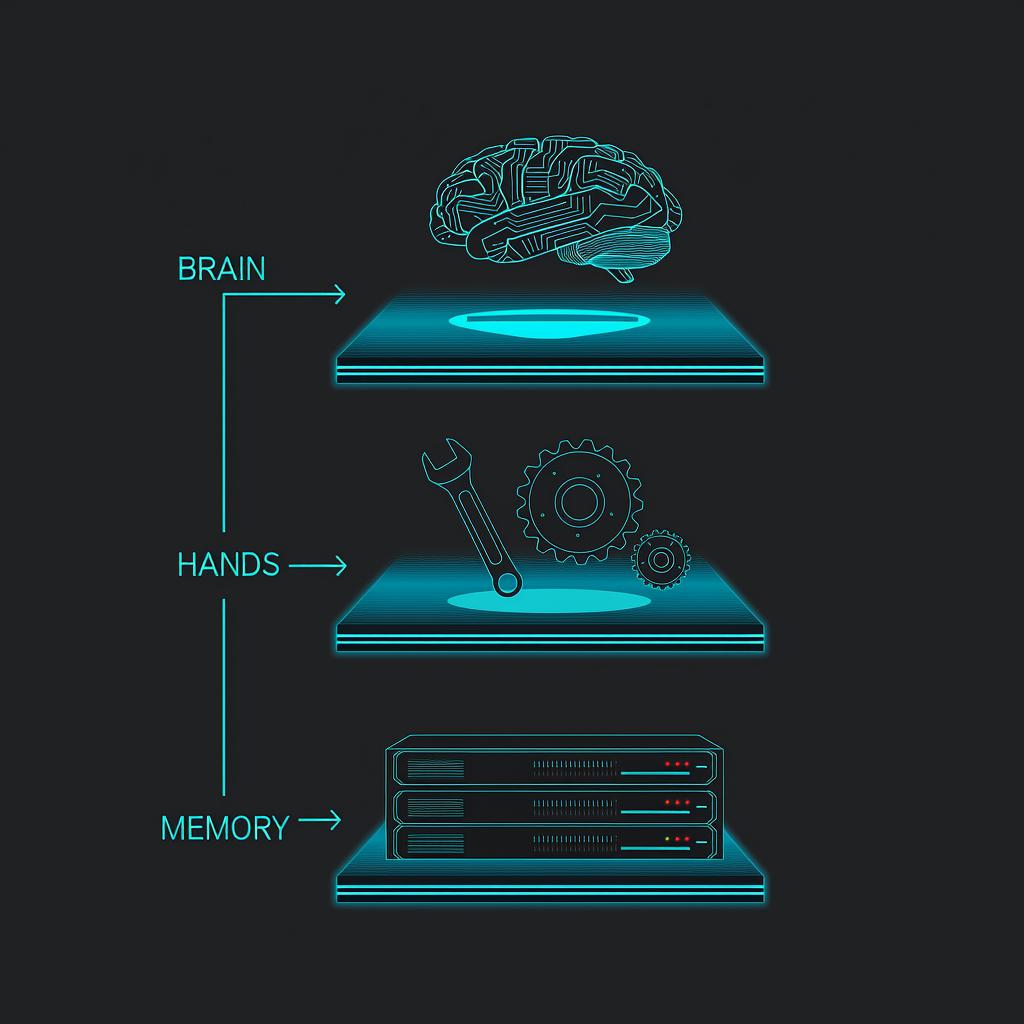
Architectural highlights: Anthropic has decoupled the three components—brain (decision loop), hands (sandbox + tools), and memory (event log). Any part can recover independently if it crashes. Credentials are not in the execution environment, ensuring security.
Limitations: Not a consumer-grade product. Requires API integration, technical implementation skills, and experience designing Agent workflows. Long-running Agent sessions will consume a significant number of tokens.
Cost: Charged based on API token usage. All API accounts can use it.
Which One to Choose? A Summary Table
| Product | One-Sentence Positioning | Suitable For | Can Execute Operations? |
|---|---|---|---|
| Chat | Thinking partner | Everyone | No, pure dialogue |
| Code | Code assistant | Developers | Yes, in codebase and terminal |
| Cowork | Application automation | Knowledge workers | Yes, in your daily software |
| Managed Agents | AI infrastructure | Product teams | Yes, autonomously in the cloud |
Typical progression path: Start with Chat for thinking and writing. When you need it to take action, developers transition to Code, while non-developers switch to Cowork. If you want to turn Claude into a product or service, then move to Managed Agents.
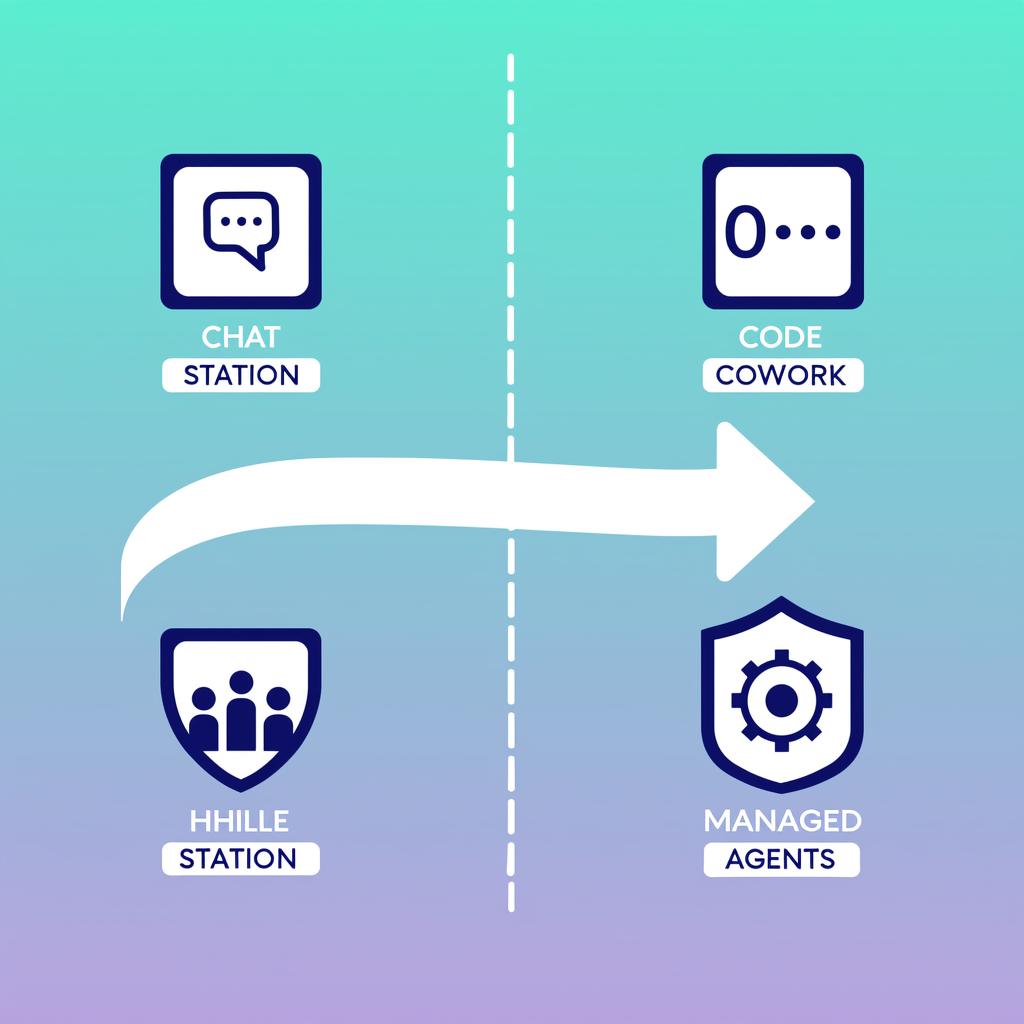
Core takeaway: Don’t ask, “Which Claude is best?” Instead, ask, “Which Claude should I use for this specific task?” Start with one, and as you feel it’s insufficient, upgrade. You’ll clearly identify where the bottleneck is because you’ll feel the friction.
Comments
Discussion is powered by Giscus (GitHub Discussions). Add
repo,repoID,category, andcategoryIDunder[params.comments.giscus]inhugo.tomlusing the values from the Giscus setup tool.